

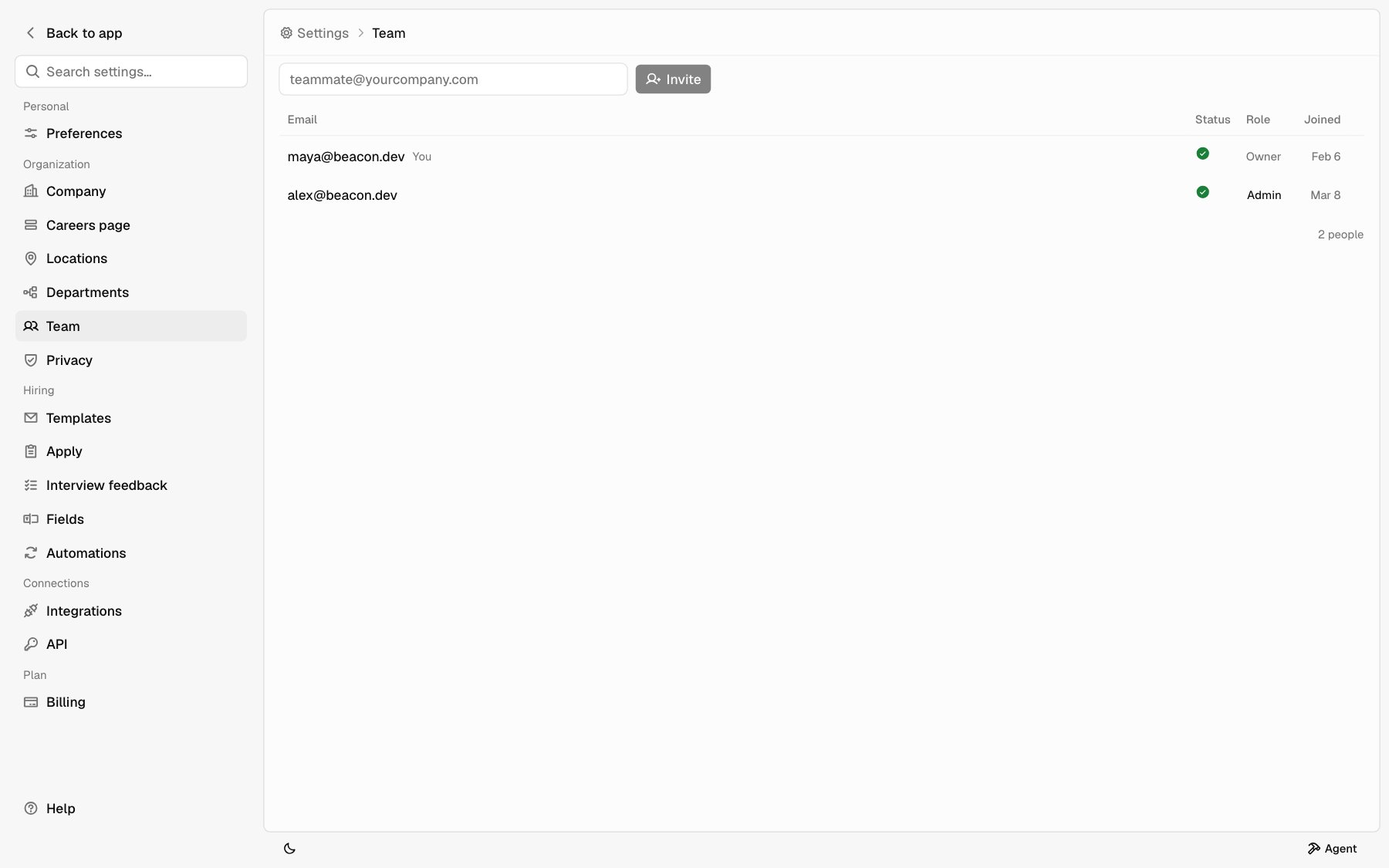
Roles
Every teammate has one of three roles.
A company can have more than one Owner.
Invite a teammate
Owners and Admins can invite.1
Enter their email
On Settings > Team, type your teammate’s email in the box at the top.
2
Send the invite
Click Invite. They get an email with an Accept invitation button. The link expires in 48 hours.
3
They accept
Your teammate opens the link and signs in with Google or Apple to join.
Status
Hover the status icon to see the word.
Revoke an invite
Owners and Admins can cancel an invite that hasn’t been accepted. Click … on the invite’s row and pick Revoke.Change a role
Only an Owner can change roles.1
Open the role
On Settings > Team, click the teammate’s role.
2
Pick the new role
Choose Owner, Admin, or Member. The change saves right away.