

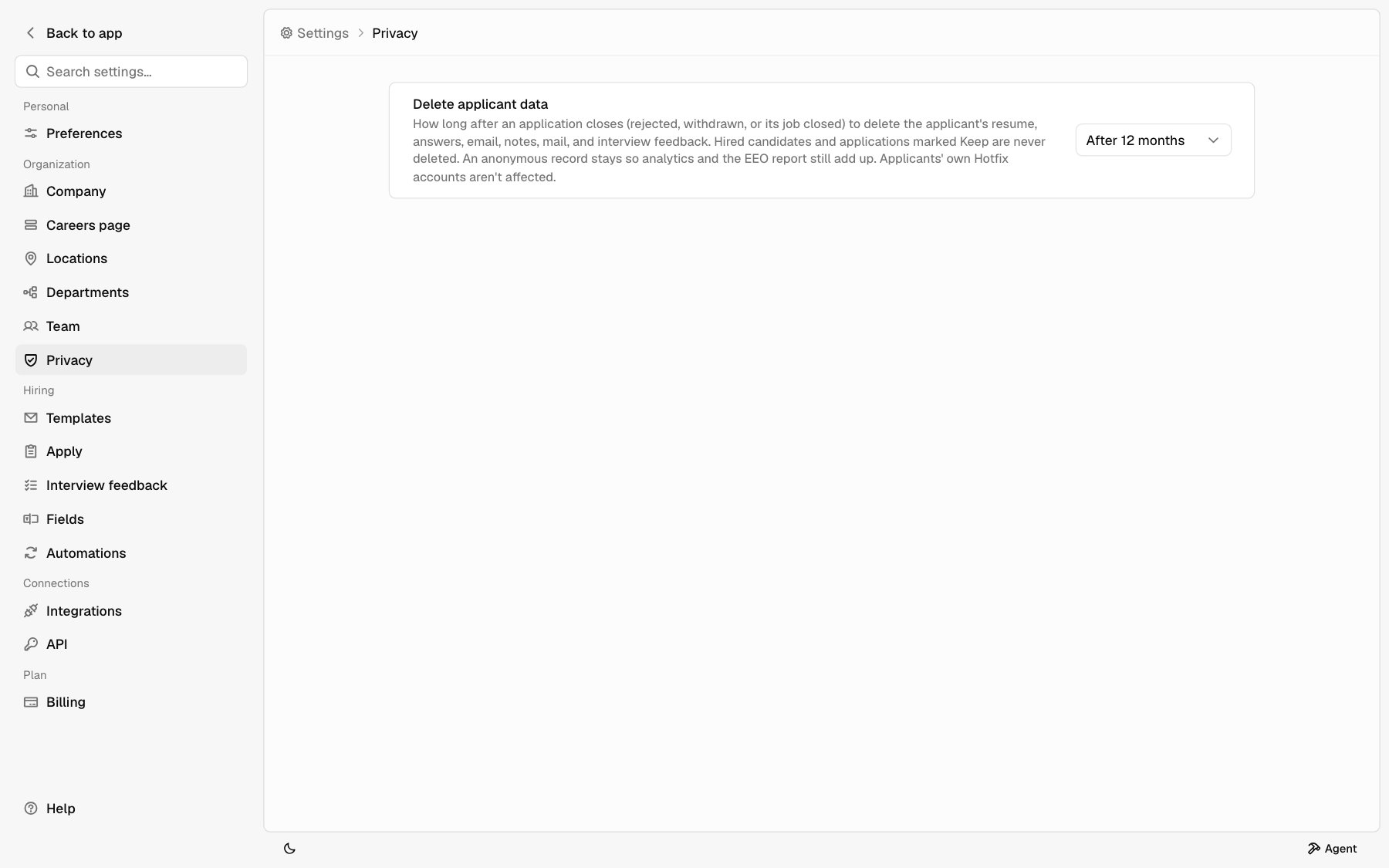
Delete applicant data
Pick Off, After 6 months, After 12 months, or After 24 months. It starts as Off, so nothing is deleted until you choose a window. An application closes when the first of these happens:- You reject it. The clock starts when it moved to Rejected, and starts over if you move it out and back.
- The applicant withdraws.
- You close its job.
The confirmation
Turning it on, or choosing a shorter window, shows how many applications are already past it, like 3 applications closed more than 6 months ago. Those are deleted within a day of saving, and it can’t be undone. Before you click Save, mark any you need as Keep. A longer window, or Off, saves right away. Nothing extra is deleted.What gets deleted
For each application past the window:
What’s kept is anonymous: no name, email, or anything else that points to a person. It isn’t in your inbox, search, Agent, or the API. It keeps Analytics and the Equal opportunity totals from dropping as old applications go.
Not deleted, because they don’t live in Hotfix:
- Interview events on your Google Calendar, and the email itself in your Gmail. Hotfix stores only a short summary of each thread.
- Anything an Agent chat already showed.
Keep an application
Mark an application Keep to hold it back from deletion, for a legal hold or a candidate you want for a future role.1
Open the candidate
In the inbox, open the candidate’s record. See Candidate
record.
2
Turn on Keep
In the details panel under Application, turn on Keep. Anyone on your
team can.
keep on set_status or the bulk update. See Applications.
Your agreement
Your company decides what happens to applicant data, and Hotfix processes it on your instructions. This setting is one of those instructions. See the Data Processing Addendum, section 8.Related
- Candidate record
- Apply settings for the equal opportunity survey
- Analytics