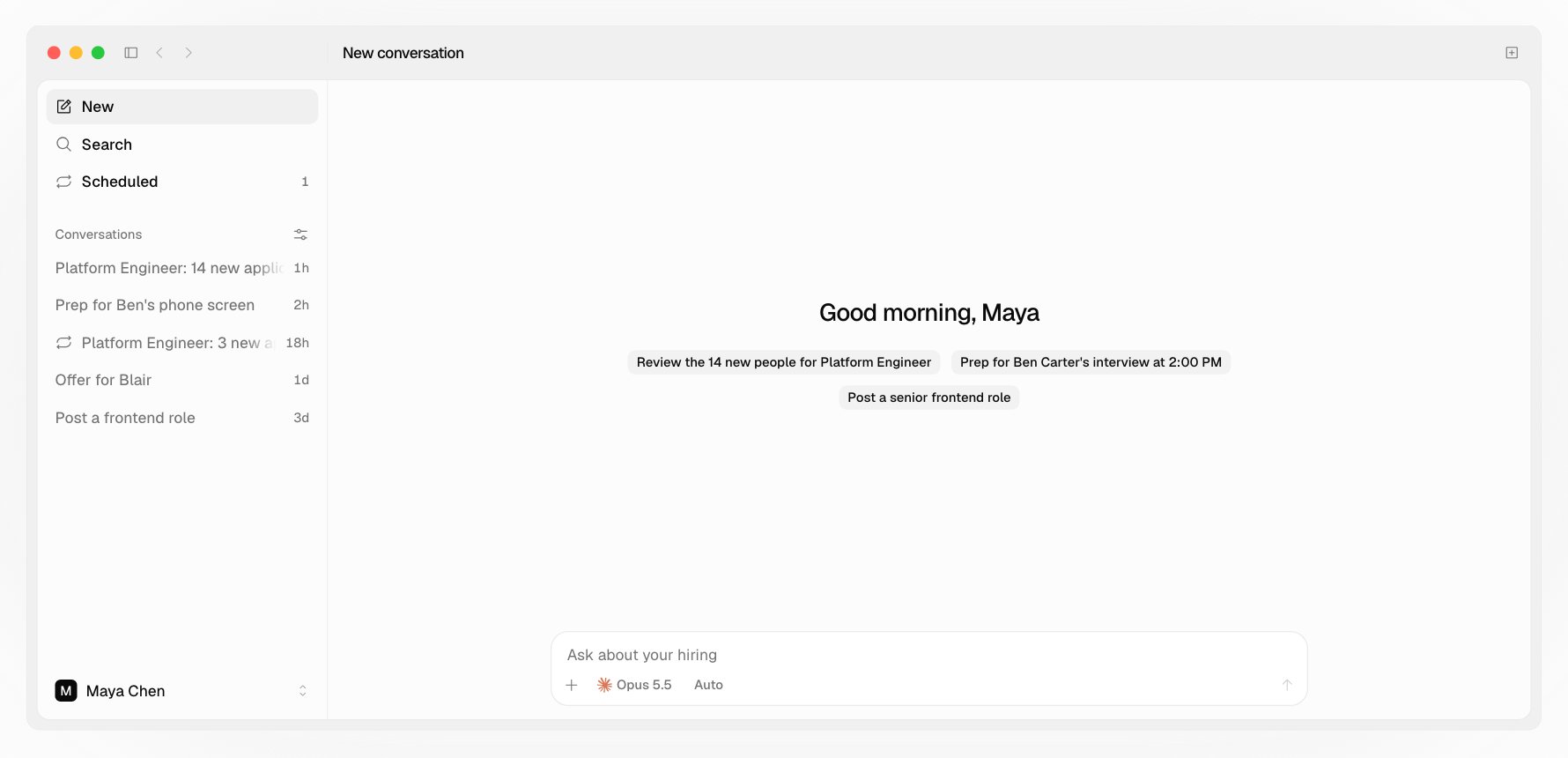
Ask What needs me today? in a new conversation, or pick one of its suggestions: your next interview, a recent reply, or the job with the most new people.
A new conversation in the Hotfix app, with suggestions from what's waiting: review 14 new people, prep for an interview at 2:00 PM, and post a role

What it looks at

  • New applicants on each open job, and how many came in since you last reviewed it
  • Candidates who replied and are waiting on your team
  • Offers out and waiting on the candidate
  • Drafts written but never sent
  • Today’s interviews, with the meeting link on yours
  • People who still haven’t booked five days after their link and Hotfix’s one reminder
  • Reviews nobody has acted on yet
People you put off with Later on the web are left out until the next morning.

What it offers

One action per item, which you can take with a click or a word: Your agent never sees what a candidate wrote in a reply, only that they replied and when. It asks you what they said. See Email.

Every morning, on its own

Set up Prep today’s interviews in Scheduled and each weekday at 7:30 AM, while the app is open, Hotfix writes a brief for each of your interviews. It only reads and drafts; anything that sends waits for you. On the web, Home shows your people across jobs by stage and today’s interviews. See Hotfix on the web.