

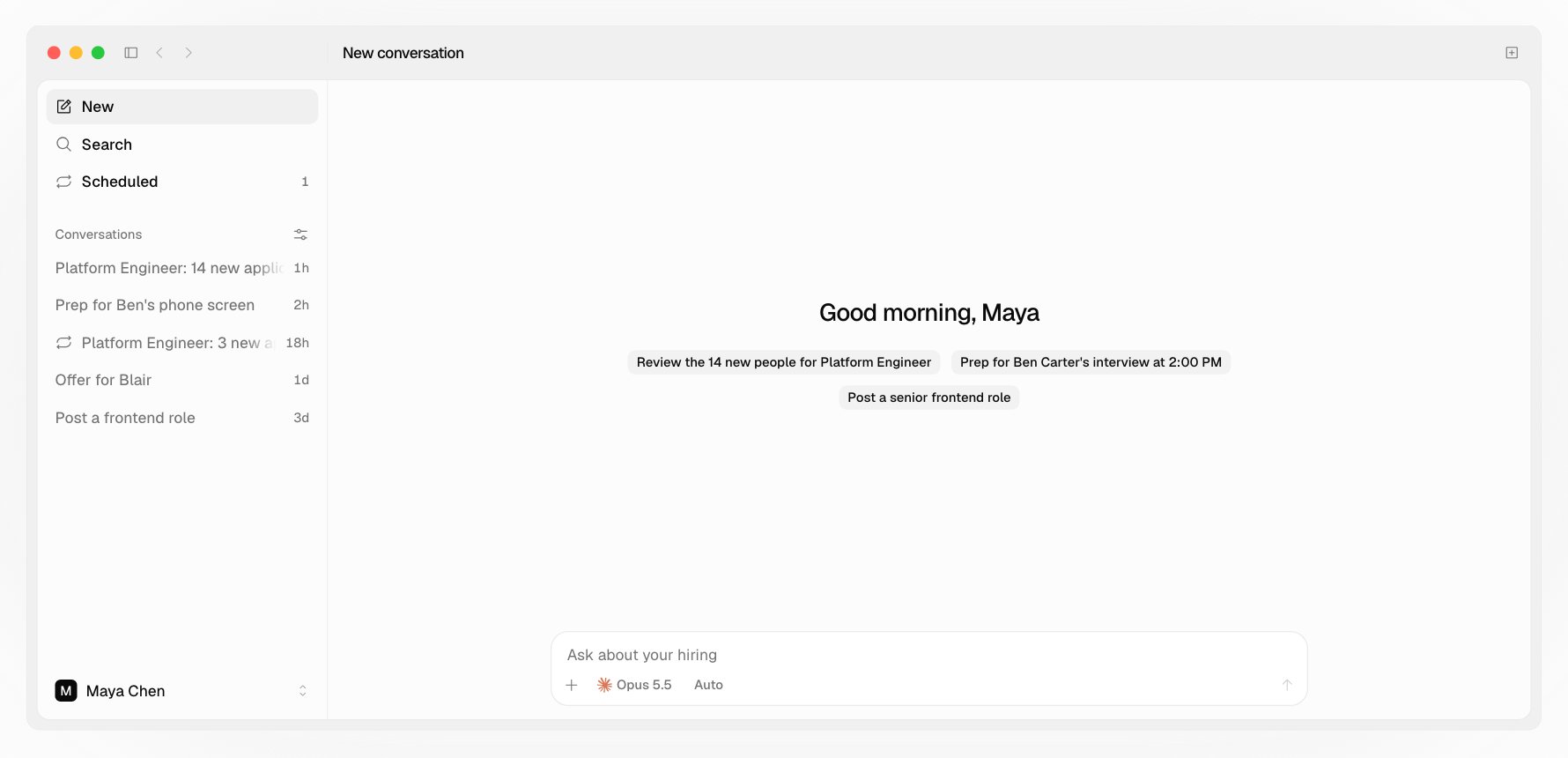
Asking
- Mention a person or a job with
@, so your agent knows exactly who you mean. - Start from a skill with
/, like/hotfix-reviewing-applicants. Hotfix’s seven skills are there, with the skills you turned on in Claude or ChatGPT. See Your Claude or ChatGPT. - Add files or photos from + or with ⌘U.
- Answer with a click. When your agent asks you to choose, like who to invite, the choices show as buttons.
- Tables and charts your agent shows are drawn by the app from Hotfix’s data, never by the model.
While it works
Each step shows in hiring words as it happens: reading applications, saving reviews, drafting an invite. When the turn ends, a line says what it changed, with links to each person or job.- Steer it. Send a message while it’s working and it goes into the turn that’s running.
- Queue it. ⌥Return waits for the turn to end instead.
- Edit your last message. Edit puts it back in the box; sending runs it in place of the old one.
- Long conversations. When a conversation’s context is 80% full, a line offers Compact.
Drafts
Anything your agent writes to a candidate is a draft: an invite, a decline, an offer, a reply. It shows in the conversation with Open and Send. Open it to edit in place. Nothing goes out until a person presses Send; your agent can’t send. A line above the box lists drafts not sent yet.The panel
The panel beside the conversation opens a person, a job, a job’s reviews, a draft, a resume, or a web page, each as a tab.- A person’s page: their contact line and what to do, then Overview (what’s waiting on you, their review, their interviews), Resume, Answers, and Activity (their email threads and everything that happened). A change your agent made says which AI it came through, like “Maya Chen with Claude”.
- A job’s page: People, filtered by stage, the Description, and the Apply form.
- A job’s reviews: everyone’s suggestion and first sentence, opened from the card after a review.
- A web page: a link you click, like a site on someone’s resume. Its bar has Back, Forward, Reload, and the address, where you can type another address or search the web. Ask about this page (@) adds the page to your message, so your agent can read it with your question. ⋯ has Find in page, zoom, Copy link, Print, and Open in browser.