Invite someone to talk
Ask Invite Priya to a phone screen. Your agent writes a line in your voice about what stood out in their application, opens a booking link on your calendar, and drafts the invite with the link. Press Send when it reads right; sending moves them to Interviewing.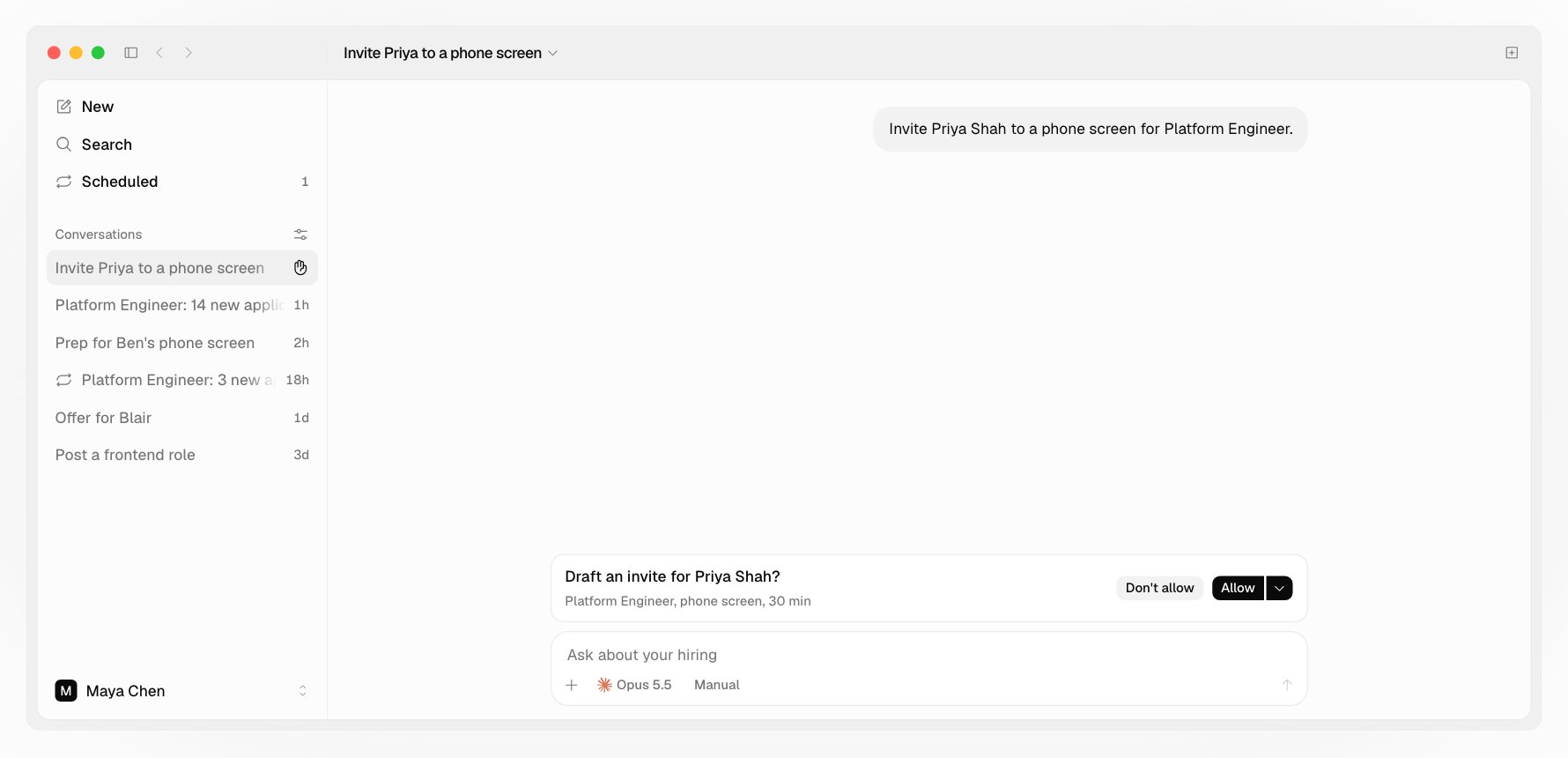
How booking works
- You host the call, in your hours and on your meeting. Times are offered only when everyone’s calendar is free.
- The candidate picks a time on Hotfix. The invite lands on your calendar with Google Meet, Microsoft Teams, Zoom, or a phone call.
- Two business days after a link goes out unbooked, Hotfix sends the candidate one reminder with the same link. Someone still unbooked five days on shows in what needs you.
- After booking, the candidate can move the time until 24 hours before, or cancel.
Your hours, meeting, and signature
Your own preferences are under Settings > Preferences, or ask your agent:- Hours: when candidates can book you, on weekdays in your calendar’s time zone
- Meeting: your calendar’s video, Zoom, or phone, for every call you host
- Signature: added under the hiring email you send
Move or cancel an interview
Ask, like Move Ben’s interview to next week. It changes calendars at once, so your agent asks first. It drafts a note for the candidate with a new link, and you send it on a yes. Cancelling an interview doesn’t decline anyone.Prep
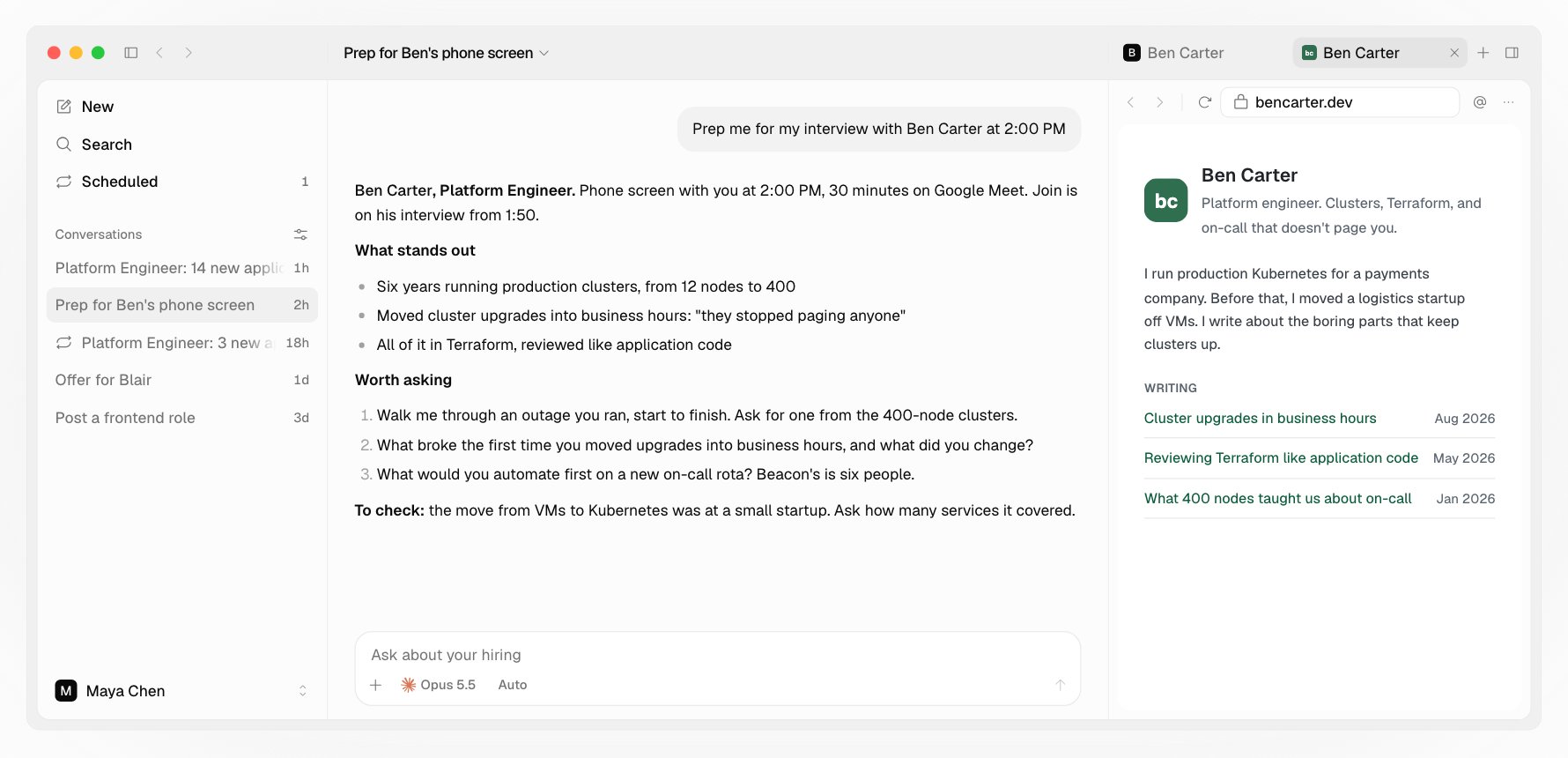
Ask Prep me for my interview with Ben. Your agent reads their review and resume and writes a few open questions aimed at what they didn’t show, plus one on something they did.